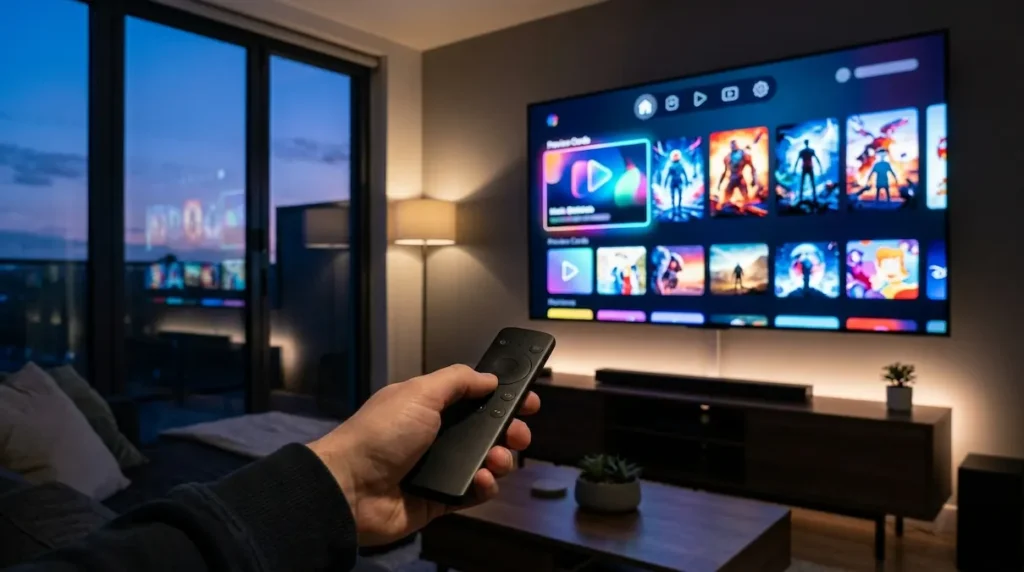
Smarters Player Lite is a free media player app from WHMCS Smarters that plays live TV, films and series from a playlist you add yourself. It does not come with any channels or content. Think of it as the screen and the remote, while your playlist supplies what you actually watch.
This guide explains what the app does, how to set it up on UK devices, how M3U playlist setup works and how to fix the problems people run into most often.
In short: Smarters Player Lite is a standalone media player for iPhone, iPad, Apple TV and Mac. You install the app, add your own M3U playlist or compatible source, and it sorts the streams into clear sections for live TV, films and series. It does not include any channels, subscriptions or content of its own.
Key Takeaways
- Smarters Player Lite is a player only. You supply the playlist or media source.
- The app is free on the UK App Store, shows adverts, and offers an optional £1.99 premium upgrade.
- On Apple devices it needs iOS or iPadOS 15.6 or later, or tvOS 12.0 or later on Apple TV.
- The official listing confirms support for M3U and JSON playlist formats.
- Most playback problems trace back to a mistyped link, an expired playlist or a weak connection.
Table of Contents
- What Is Smarters Player Lite?
- Smarters Player Lite Features
- Smarters Player Lite Setup: Getting Started
- How to Use Smarters Player Lite
- M3U Playlist Setup and Compatible Sources
- Supported Devices and Compatibility
- Common Problems and Troubleshooting
- Practical Tips for a Better Streaming Experience
- Frequently Asked Questions
- Conclusion
What Is Smarters Player Lite?
Smarters Player Lite is the lighter version of IPTV Smarters Pro, published by WHMCS Smarters. The official App Store listing describes it as a media player for live streaming, video on demand and audio playback, from both local storage and remote sources.
The developer is clear that the app is strictly a standalone media player. It does not provide, host or sell any TV channels or streaming services. Everything you watch comes from a playlist or source that you add yourself.
It helps to separate three things:
- The app: Smarters Player Lite, which plays and organises your streams.
- The playlist: an M3U link, a file or login details that tell the app where the streams are.
- The provider: a separate service that supplies that playlist, if you use one.
Installing the app on its own gives you an empty player. Nothing appears until you add a source.
Smarters Player Lite Features
The official listing highlights four core features:
- User-friendly interface: a straightforward design built for simple playback.
- Multiple playlist formats: M3U, JSON and other standard formats.
- High-quality playback: advanced video codecs for smooth streaming.
- Personalised settings: options you can adjust to suit how you watch.
The version history adds one more useful feature. Version 1.3.9 integrated an EPG, or electronic programme guide, which shows what is on now and next, as long as your playlist includes guide data.
The app is free to download. The free version contains adverts, and a “Buy Premium Version” in-app purchase costs £1.99 on the UK App Store. At the time of writing, the app holds a 4.7 out of 5 rating from around 95,000 reviews on the App Store.
Smarters Player Lite Setup: Getting Started
Before you begin, make sure you have:
- A compatible device (see the compatibility section below).
- A playlist: an M3U link or file, or the login details supplied by your provider.
- A stable internet connection. Strong Wi-Fi or a wired connection helps with HD streams.
- An Apple ID signed in to the App Store.
Installing on iPhone or iPad
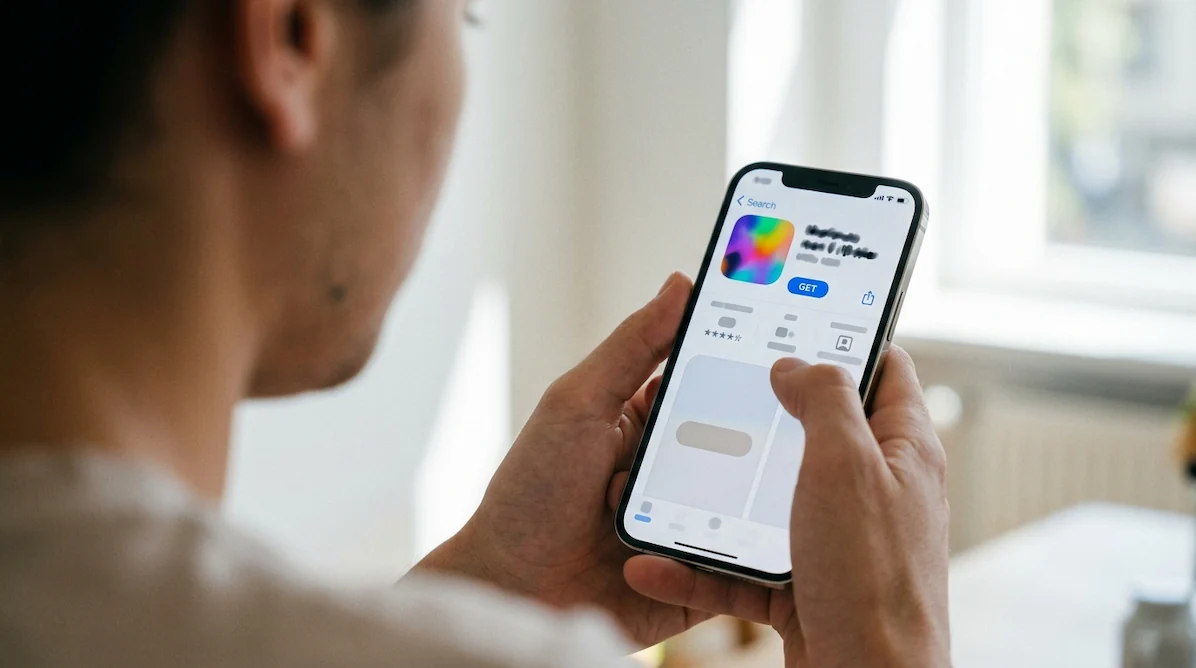
- Open the App Store.
- Search for “Smarters Player Lite” and check the developer is WHMCS Smarters.
- Tap Get, then confirm with Face ID, Touch ID or your password.
- Open the app and accept the terms when prompted.
Installing on Apple TV
- Open the App Store on your Apple TV.
- Search for “Smarters Player Lite”.
- Select Get and wait for the download to finish. Your Apple TV needs tvOS 12.0 or later.
What About Android and Fire TV?
We could not confirm an official Google Play or Amazon Appstore listing while researching this guide. Android builds do circulate on third-party download sites, but these sit outside the official stores, so install only from a source you trust. If you watch mainly on Amazon’s device, our IPTV on Fire TV Stick setup guide covers the players available there.
How to Use Smarters Player Lite
Once the app is installed, the next step is adding your first source. Menu labels can change between versions, so the exact wording on your screen may differ slightly.
- Open the app and choose the option to add a new playlist or user.
- Select the source type, such as an M3U URL or a playlist file.
- Give the playlist a name you will recognise, such as “Home TV”.
- Paste the link or enter the details your provider supplied.
- Save, then wait while the app loads the playlist.
When loading finishes, content is grouped into sections for live channels, films and series. If your playlist includes guide data, the EPG shows programme times beside each live channel. If you add more than one playlist, clear names make switching between them much easier.
M3U Playlist Setup and Compatible Sources
An M3U playlist is a plain text file that lists the addresses of media streams. The player reads the list and turns each entry into a channel or title you can select. You can learn more about the format on its M3U reference page.
- M3U URL: a web link, usually starting with http:// or https://. The app fetches the latest version each time, so updates from your source appear automatically.
- M3U file: a saved .m3u or .m3u8 file. This works offline for stored media but does not refresh on its own.
The official listing also names JSON among the supported formats. Whichever you use, the streams themselves come from your own source, not from the app. If you do not have a source yet, you can test a service with an IPTV free trial before you commit.
Supported Devices and Compatibility
Based on the official App Store listing, Smarters Player Lite runs on:
| Device | Minimum requirement |
|---|---|
| iPhone / iPad / iPod touch | iOS or iPadOS 15.6 or later |
| Apple TV | tvOS 12.0 or later |
| Mac | macOS 12.5 or later, Apple M1 or newer (designed for iPad) |
| Apple Vision | visionOS 1.0 or later |
The app is around 82.4 MB, listed in English, and rated 4+ with advertising. Availability on Android, Fire TV and Smart TVs is not confirmed through an official store, so treat those platforms with care.
Common Problems and Troubleshooting
- Playlist will not load: re-check the link or login details for typos, and confirm the playlist has not expired.
- Buffering or freezing: test your connection speed, move closer to your router, or restart the app and device.
- Channels missing or the guide is blank: the EPG and channel list come from your source, so contact your provider if sections look incomplete.
- App keeps showing adverts: the free version is ad-supported; the £1.99 premium upgrade is the official way to change that.
- Playback stutters on older hardware: close background apps and lower the stream quality where your source allows.
Practical Tips for a Better Streaming Experience
- Use a wired connection or 5 GHz Wi-Fi for live sport and HD channels.
- Keep the app updated so you have the latest fixes and EPG improvements.
- Name each playlist clearly if you manage more than one.
- Only use playlists and content you are legally entitled to access.
- If you are comparing players, our TiviMate guide looks at a popular alternative.

If you want the full-featured version with catch-up and multi-screen, read our IPTV Smarters Pro guide. Watching on a Samsung set? Follow our step-by-step guide to IPTV on Samsung Smart TV.
Want another option on iPhone? GSE Smart IPTV is a popular player on iPhone and iPad, with AirPlay support for watching on the big screen.
Using Smarters Player Lite on Apple TV? Our IPTV on Apple TV guide walks you through the full setup step by step.
Want to try it yourself? StreamoPro offers a free 24-hour trial, so you can test the channels and picture quality on your own TV before you pay anything. Get your free 24h trial on WhatsApp.
Frequently Asked Questions
Is Smarters Player Lite free?
Yes, it is free to download on the App Store and shows adverts. There is an optional “Buy Premium Version” in-app purchase priced at £1.99 in the UK.
Does Smarters Player Lite include TV channels?
No. It is a standalone media player. It does not provide, host or sell any channels or content, so you must add your own playlist or source.
Which playlist formats does Smarters Player Lite support?
The official listing names M3U and JSON, among other standard formats. You can add an M3U playlist as a web link or a saved file.
What devices does Smarters Player Lite work on?
The App Store confirms iPhone, iPad, Apple TV, Mac and Apple Vision, with iOS or iPadOS 15.6 and tvOS 12.0 as minimums. Official Android and Fire TV availability is not confirmed.
Why will my playlist not load?
Usually a small mistake in the link or login details, an expired playlist, or an unstable connection. Re-enter the details carefully and check your internet before trying again.
Conclusion
Smarters Player Lite is a simple, well-rated way to bring your own live TV, films and series together on Apple devices. Install the app, add an M3U playlist or compatible source, and it handles the organising for you. Keep in mind that it is a player only, so a reliable source and a steady connection matter just as much as the app itself. Pair it with a dependable service and Smarters Player Lite becomes an easy part of your everyday viewing.
Leave a Reply