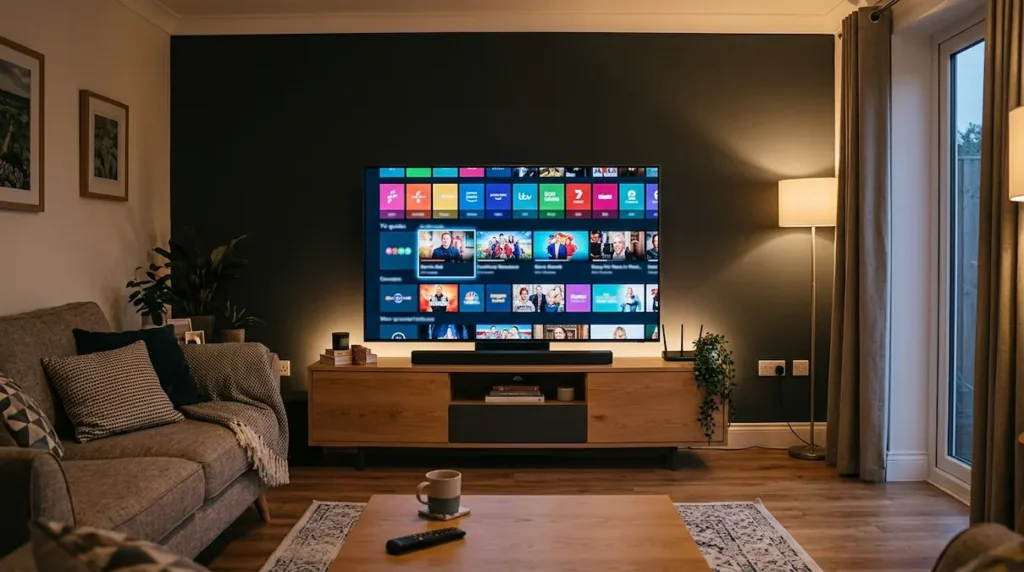
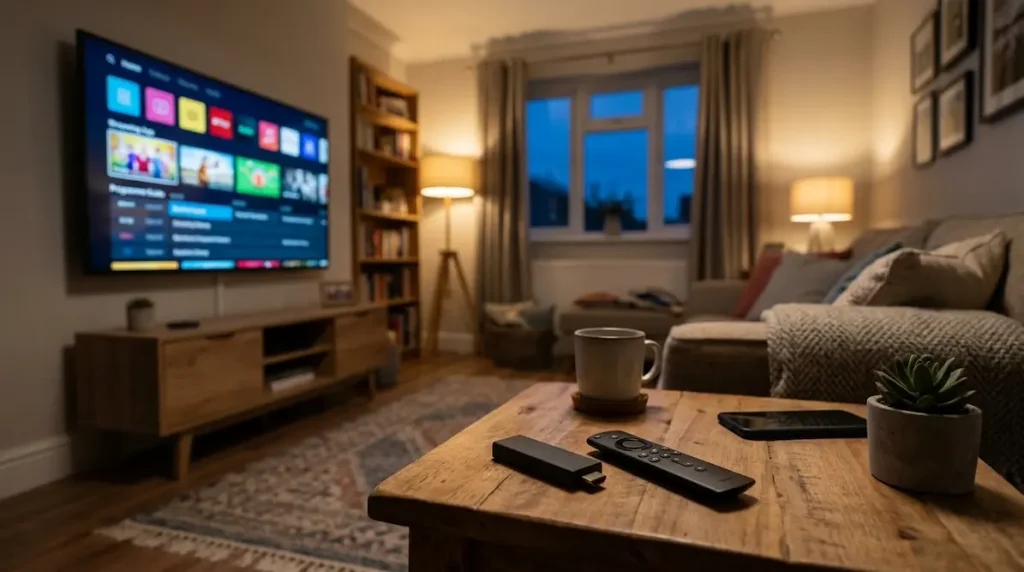
If you watch live TV through an Android-based box or stick, TiviMate Premium is one of the most popular ways to organise your channels. It is a player app, not a TV service. It supplies the interface, the TV guide and the recording tools, while you bring your own playlist from a provider you are entitled to use.
This guide explains what TiviMate Premium offers, how much it costs in the UK, which devices work and how to get started step by step. By the end, you should know whether the upgrade suits your setup.
In short: TiviMate is an IPTV player app for Android TV, Google TV and Amazon Fire TV that turns your own playlist into a clean, set-top-box style TV guide. The free version handles one playlist; TiviMate Premium adds multiple playlists, recording, catch-up, multi-view and custom channel groups for a small yearly or one-off fee.
Key Takeaways
- TiviMate is an IPTV player only. It does not include any channels or content.
- TiviMate Premium unlocks multiple playlists, recordings, catch-up support and a more flexible TV guide.
- It runs on Android TV, Google TV and Amazon Fire TV devices, but not natively on iPhones or most smart TV operating systems. See how to set up a Fire TV Stick.
- The price is low compared with most streaming subscriptions, but always check the current figure in pounds before you pay.
- Use only playlists from legal, licensed providers, and remember that UK TV licence rules still apply to live broadcasts.
Table of Contents
- What Is TiviMate Premium?
- TiviMate Free vs TiviMate Premium
- TiviMate Premium Features
- TiviMate Premium Price in the UK
- Compatible Devices
- TiviMate Setup Guide
- How to Activate TiviMate Premium
- Using Your Own IPTV Playlist Legally in the UK
- Is TiviMate Premium Worth It?
- TiviMate Not Working? Quick Fixes
- TiviMate Premium FAQ
- Conclusion
What Is TiviMate Premium?
TiviMate Premium is the paid tier of the TiviMate IPTV player, an app designed for the big screen. The free version lets you load a single playlist and watch channels with a basic guide. The premium version adds the features that make the app feel like a proper set-top box.
Think of it as a very good menu system and remote control for IPTV. It reads a playlist that you supply and displays it in a clean, easy-to-navigate layout. The app itself does not provide, sell or recommend channels, and it never has.
This distinction matters. Many people assume TiviMate comes with TV channels, which leads to confusion and, sometimes, to scams. The app is simply the viewer, and what you watch depends entirely on the source you add.
TiviMate Free vs TiviMate Premium
You can install TiviMate for free from the Google Play Store or the Amazon Appstore and use it straight away. The question most people ask is whether the paid upgrade is worth it. This table shows the main differences:
| Feature | TiviMate (free) | TiviMate Premium |
|---|---|---|
| Playlists | One | Multiple, switch in seconds |
| TV guide (EPG) | Basic | Full, customisable guide |
| Custom channel groups and favourites | Limited | Yes |
| Recording | No | Yes (with storage and provider support) |
| Catch-up and timeshift | No | Yes (if your provider supports it) |
| Multi-view | No | Yes, on supported devices |
| Use on several devices | Each device separately | One account across several devices |
If you only watch one playlist and rarely use the guide, the free TiviMate app may be enough. If you want recordings, catch-up or a tidy guide with your own channel groups, Premium is where TiviMate really shines. Full details are on the official TiviMate website.
TiviMate Premium Features
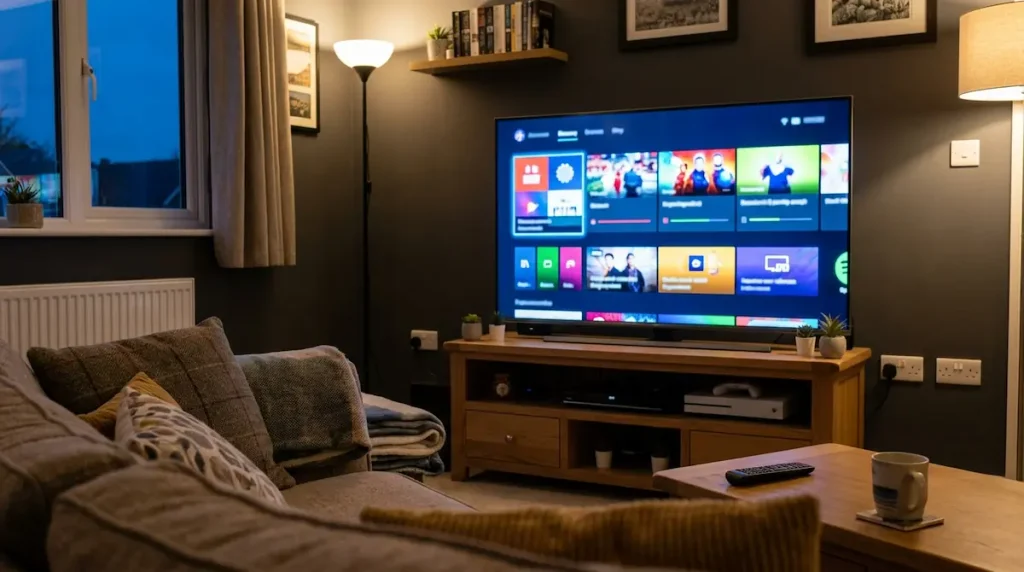
The main reason people upgrade is the extra control over how channels are organised and watched. Here are the TiviMate Premium features that UK users mention most often:
- Multiple playlists: Add more than one playlist and switch between them in seconds.
- Custom channel groups: Build your own lists, such as News, Sport, Kids or Documentaries.
- Full TV guide (EPG): Browse a timeline of what is on now and next, and set reminders.
- Recording: Schedule recordings to a USB drive or network storage, where your provider supports it.
- Catch-up and timeshift: Rewind live programmes or replay earlier ones when your source allows it.
- Multi-view: Watch more than one stream at once on supported devices.
- Sleep timer and auto-start: Switch off after a set time, or open straight to your last channel.
- Multi-device use: One premium account can be used across several devices in the home.
The guide itself is the real highlight. A well-organised EPG saves you from scrolling through hundreds of channels, which is the biggest frustration with basic IPTV apps.
TiviMate Premium Price in the UK
The TiviMate Premium price is one of its biggest selling points. It has historically been offered as annual subscription, a multi-year option and a lifetime option, all costing far less than a typical streaming service. Converted to pounds, the annual plan has usually sat at just a few pounds a year.
Prices can change, and they appear in your local currency inside the app or on the official site. The table below shows the general structure rather than fixed figures:
| Plan type | Typical approach | Best for |
|---|---|---|
| Annual | Low yearly fee, renews each year | Trying it for a season |
| Multi-year | Discounted bundle of years | Regular users |
| Lifetime | One-off payment | Long-term users |
Always confirm the current price on the official TiviMate site or in the app before paying. Avoid unofficial resellers who sell “activation codes”, as these are a common source of scams and payment fraud. If you are unsure, pay by credit card, which offers extra protection under UK consumer law.
Compatible Devices
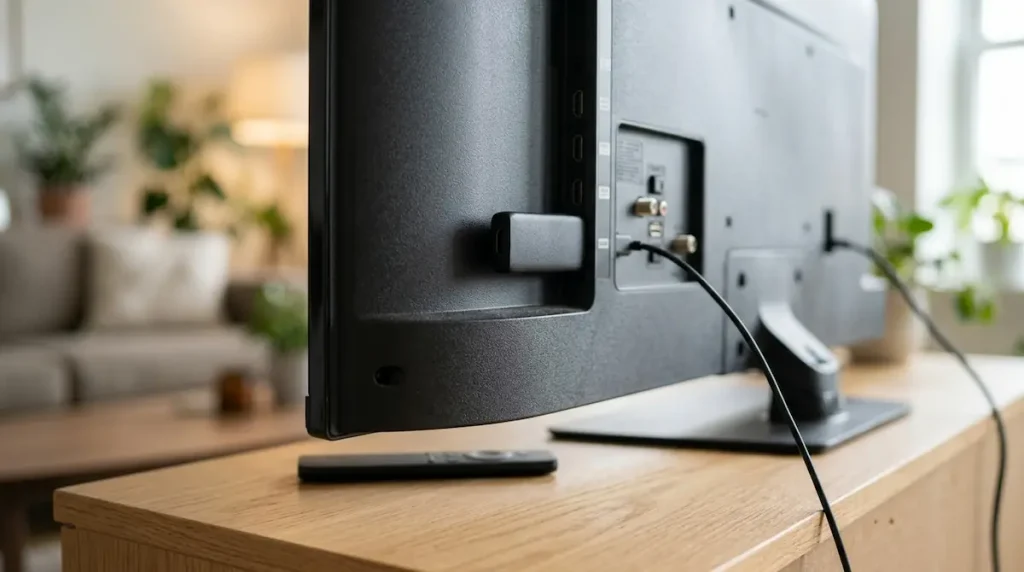
TiviMate is built for Android-based TV platforms. The most popular choices for TiviMate Premium UK viewers are:
- Amazon Fire TV Stick and Fire TV Cube
- Nvidia Shield TV
- Chromecast with Google TV
- Android TV boxes and TVs from brands such as Sony and Philips
It is not available as a native app on Apple TV, iPhone, Samsung Tizen TVs or LG webOS TVs. If you own one of those, you can plug a Fire TV Stick into a spare HDMI port and use that instead.
For the smoothest experience, choose a device with at least 2GB of RAM and a wired or strong Wi-Fi connection. Cheaper, older sticks can feel slow when loading a large guide.
TiviMate Setup Guide
This TiviMate setup guide assumes you are using a Fire TV Stick, but the steps are very similar on other Android TV devices.
- Install the app. Search for “TiviMate” in the Amazon Appstore or Google Play Store and install it.
- Open TiviMate and choose “Add playlist”.
- Select your playlist type. TiviMate accepts M3U links, Xtream Codes details and some portal-based sources.
- Enter your details. Type the link or login supplied by your provider. A USB keyboard or the phone remote app makes this much quicker.
- Load the playlist and let it import the channels.
- Add the TV guide. Most providers supply an EPG link. TiviMate will fetch it automatically if it is included.
- Tidy your channels. Hide the ones you never watch and create favourites groups.
If channels appear but the guide is blank, check that the EPG source is correct and give it a few minutes to download. If the app buffers, restart your router and test your broadband speed, as a stable connection matters more than anything else.
How to Activate TiviMate Premium
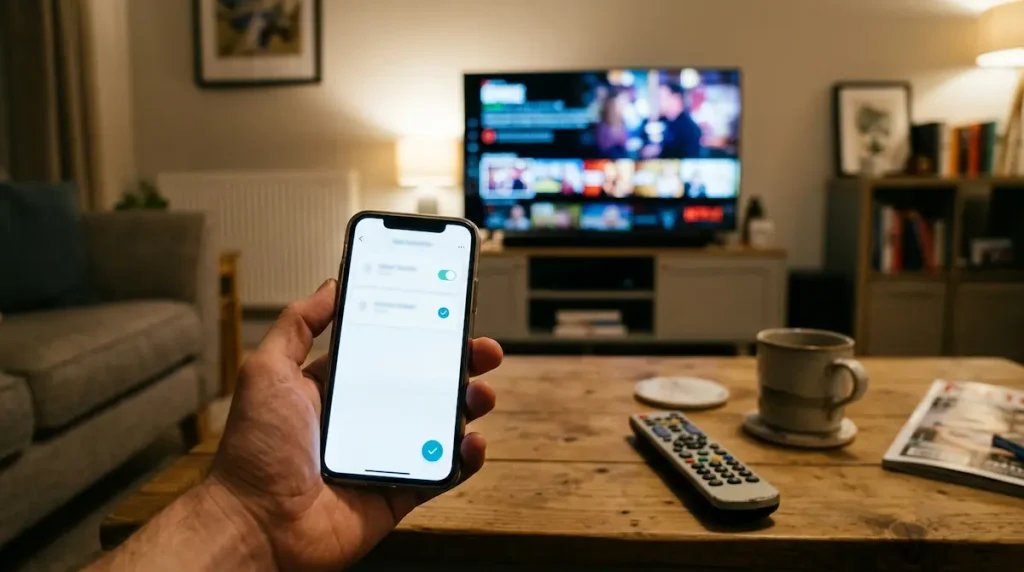
Activation is simple, and it should only be done through the official route:
- Install the TiviMate Companion app on an Android phone, or sign in on the official website.
- Create an account and choose your plan.
- Pay using the available payment methods.
- Open TiviMate on your TV and sign in with the same account.
- The premium features unlock automatically.
If premium does not appear straight away, close and reopen the app, then check that you are signed in to the same account on both devices. Keep your account email safe, because it is how you restore your purchase if you ever change devices.
Using Your Own IPTV Playlist Legally in the UK
TiviMate is a perfectly legal piece of software. What matters is where your playlist comes from. IPTV is simply a way of delivering TV over the internet, and many legitimate services use it.
In the UK, keep these points in mind:
- Only use playlists from licensed providers or sources you have the right to access.
- Watching live TV in the UK generally requires a valid TV licence, however you stream it.
- Unlicensed services that sell access to paid channels are illegal and carry real risks, including no consumer protection, poor reliability and payment fraud.
- Ofcom and the Intellectual Property Office publish guidance on legal ways to watch, and it is worth reading before you subscribe to any service.
A good rule is that if a deal seems too cheap to be true, it probably is. Stick to providers that are transparent about who they are and what they are licensed to show.
Is TiviMate Premium Worth It?
For most people who already have a legitimate playlist, yes. The upgrade is inexpensive, and the improvement in navigation, favourites and guide quality is noticeable from the first day.
It is less useful if you only watch a handful of channels or already use a service with its own polished app. In that case, the free version may be enough. A sensible approach is to test the free version first, then upgrade once you know you want multiple playlists, recordings or a fuller TV guide.
TiviMate Not Working? Quick Fixes
Most TiviMate problems come down to the playlist, the connection or the device rather than the app itself. Try these fixes first:
- Playlist won’t load: re-check the M3U URL or Xtream Codes login for typos, and confirm with your provider that the account is active.
- TV guide shows “No information”: add the provider’s EPG link under Settings → EPG, then update the guide manually.
- Buffering or freezing: increase the buffer size under Settings → Playback, use Ethernet or 5 GHz Wi-Fi, and follow our guide on how to fix IPTV buffering.
- Premium not activating: make sure you signed in to the same account in the TiviMate Companion app and on your TV device, then restart TiviMate.
- App crashing or slow: clear the app cache, update TiviMate to the latest version and restart your device.
Comparing players before you commit? Our OTT Navigator setup guide covers one of the most customisable alternatives to TiviMate. TiviMate is not available on iPhone or iPad, so Apple users can follow our GSE Smart IPTV setup guide instead.
Want to try it yourself? StreamoPro offers a free 24-hour trial, so you can test the channels and picture quality on your own TV before you pay anything. Get your free 24h trial on WhatsApp.
TiviMate Premium FAQ
Is TiviMate Premium free?
No. TiviMate has a free version with basic features, but TiviMate Premium is a paid upgrade that unlocks the extra tools.
How much does TiviMate Premium cost in the UK?
It is priced as a low-cost subscription or one-off payment, shown in your local currency. Check the official site or the app for the current price before buying.
Does TiviMate come with channels?
No. TiviMate is only a player, so you must add your own playlist from a provider you are entitled to use.
Can I use TiviMate on an iPhone or Samsung TV?
Not natively. It is designed for Android TV, Google TV and Fire TV devices, so you would need a compatible streaming stick or box.
Is TiviMate legal in the UK?
The app is legal. Whether your viewing is legal depends on the content source, so only use licensed services and keep a valid TV licence for live TV.
Can I record shows with TiviMate Premium?
Yes, if your provider supports it. You will need a USB drive or other storage connected to your device.
Conclusion
TiviMate Premium is a sensible upgrade for UK viewers who want a clean interface, a proper TV guide and more control over their channels. It is affordable, works well on popular streaming devices and is straightforward to set up and activate.
Just remember that the app is only half of the picture. Use a legal playlist, keep your TV licence up to date and buy only through official channels. Ready to try it? Install the free version on your Fire TV Stick today and upgrade once you are happy with how it works.
Prefer a ready-to-go service? Explore our IPTV plans and start with a free test.
Leave a Reply