
In short: Setting up IPTV on Apple TV is straightforward because tvOS has its own App Store with proper IPTV players. You simply install an app such as IPTV Smarters Pro, GSE Smart IPTV or iPlayTV, then add your M3U link or Xtream Codes login. The Apple TV 4K is powerful enough for buttery-smooth HD and 4K streams, making it one of the best boxes you can use for IPTV in 2027.
The Apple TV is a premium streaming box, so it is no surprise people want to run their subscription on it. The good news is that, unlike Roku, Apple TV lets you install dedicated IPTV players straight from the App Store — no mirroring or workarounds needed. In this 2027 guide we walk through every step of getting IPTV on Apple TV, the best apps to use, and how to keep your stream running smoothly.
Key takeaways
- Apple TV supports IPTV natively through players on the tvOS App Store.
- The most popular apps for IPTV on Apple TV are IPTV Smarters Pro, GSE Smart IPTV and iPlayTV.
- You connect using an M3U link or an Xtream Codes login from your provider.
- The Apple TV 4K handles HD and 4K streams with ease.
- You can also AirPlay from an iPhone, iPad or Mac as a backup method.
Can you get IPTV on Apple TV?
Yes — and more easily than on many other devices. Apple TV runs tvOS, which comes with a full App Store, and that store carries several capable IPTV players. This is a big advantage over closed platforms like Roku, where you are forced to mirror from a phone. On Apple TV, you install an IPTV app directly, sign in with your playlist, and start watching.
Apple does not make its own IPTV app, so you will rely on a third-party player. There are several excellent ones, and most support both M3U playlists and Xtream Codes logins. Because Apple hardware is fast and well optimised, IPTV on Apple TV tends to feel slicker and more responsive than on cheaper boxes, with quick channel zapping and a tidy on-screen guide.
One thing to keep in mind: the apps available on the App Store can change over time, as Apple occasionally removes or updates them. If your favourite player is not listed, simply pick another from the options below — they all do the same core job of turning your Apple TV into a full IPTV machine.
What you need before you start
Before you set up IPTV on Apple TV, get these basics in place. Sorting them first saves a lot of hassle later:
- An Apple TV HD or Apple TV 4K — the 4K model is best for high-quality streams.
- An active IPTV subscription with an M3U URL or Xtream Codes login.
- A stable internet connection — at least 25 Mbps for smooth HD, more for 4K.
- Your Apple ID signed in, so you can download apps from the App Store.
With those ready, you can download a player and be watching within a few minutes.
Best apps for IPTV on Apple TV
Choosing the right player makes all the difference. Here are the most reliable apps for IPTV on Apple TV in 2027, all available from the tvOS App Store:
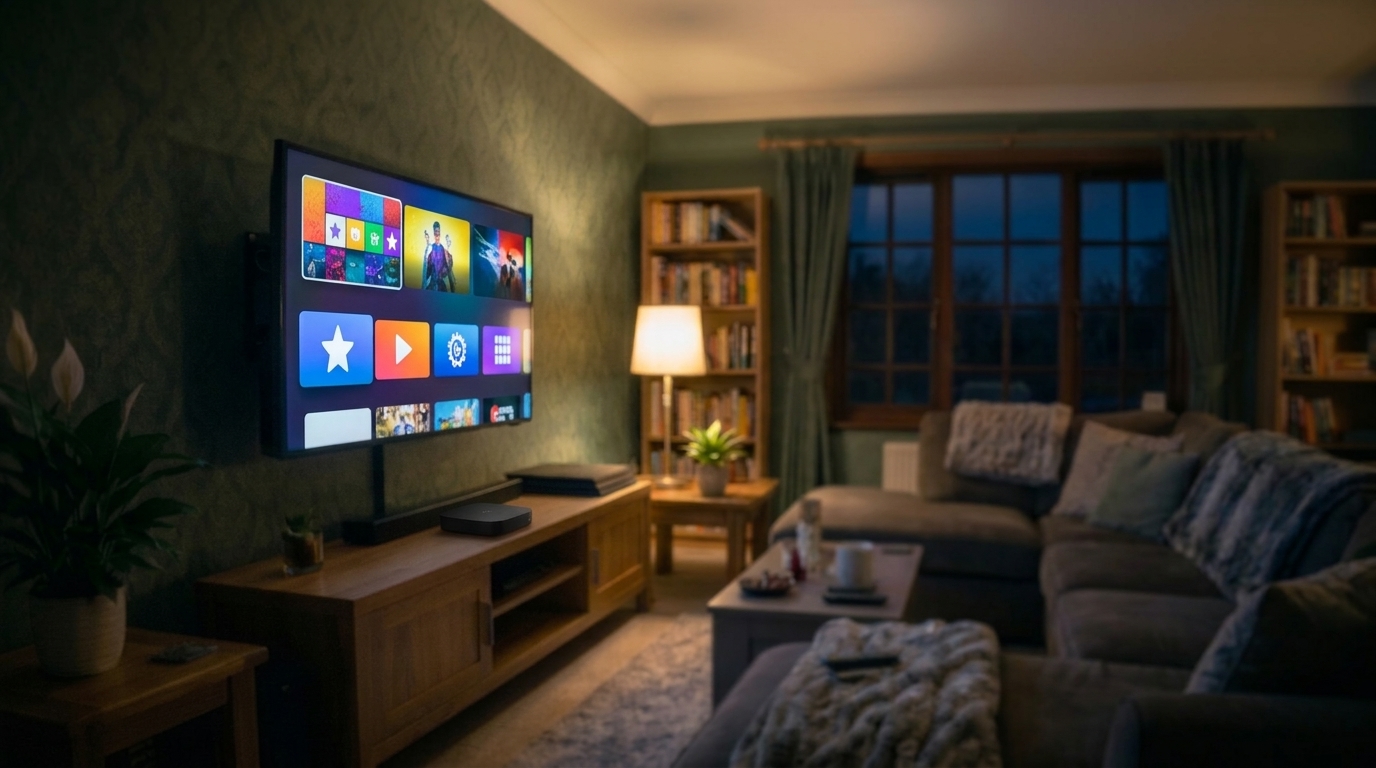
- IPTV Smarters Pro — the most popular choice, with full M3U and Xtream Codes support, a clean TV-friendly layout and a built-in EPG.
- GSE Smart IPTV — a powerful free option that handles M3U, Xtream Codes and EPG, with plenty of settings to fine-tune playback.
- iPlayTV — a polished paid player loved for its smooth interface and reliable performance on Apple hardware.
- Smarters Player Lite — a lightweight, easy option if you want a no-fuss setup.
If you are still deciding which player suits you, our round-up of the best IPTV player for UK users compares the top apps in detail. For a quick, beginner-friendly option, our Smarters Player Lite guide walks through the whole process.
How to set up IPTV on Apple TV step by step
Once you have picked a player, getting IPTV on Apple TV up and running takes just a few minutes. Here is the full process using any of the apps above:
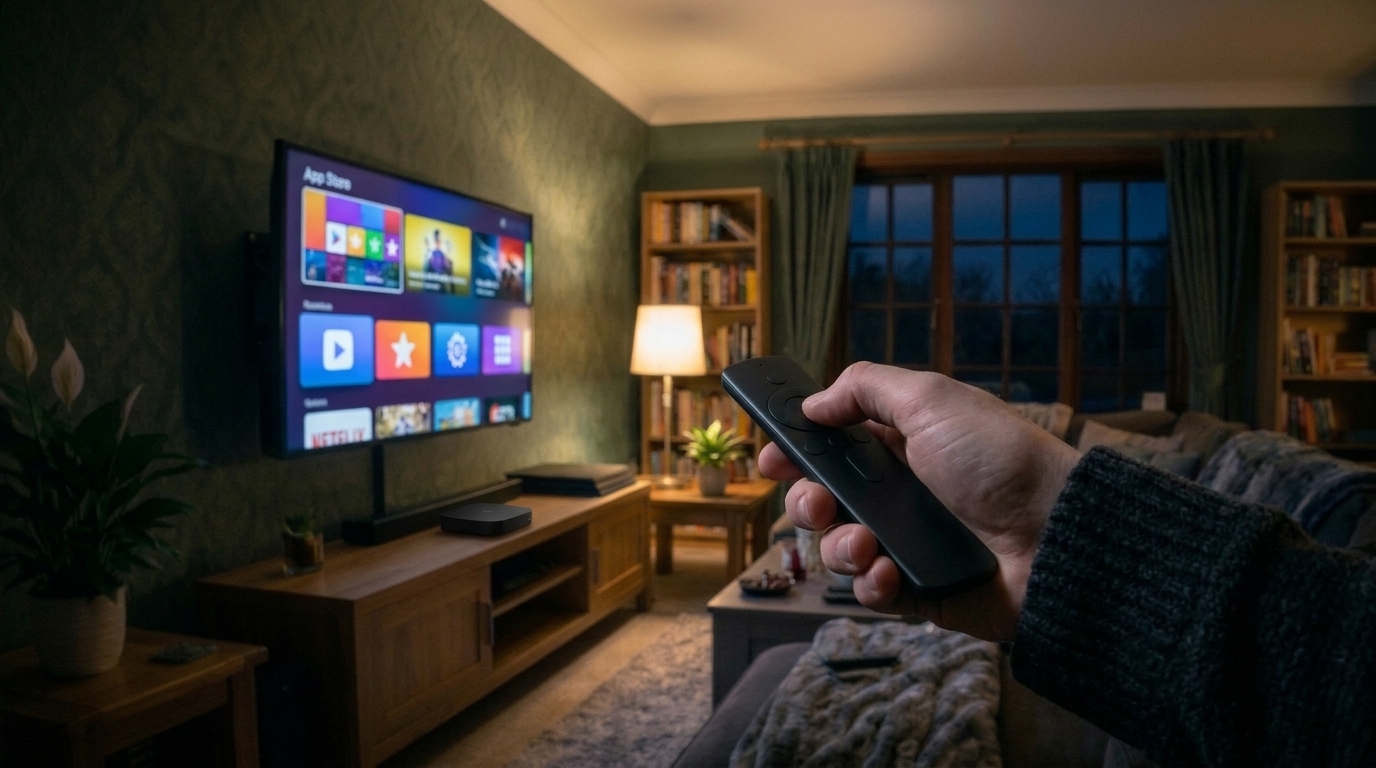
- On your Apple TV, open the App Store and search for your chosen IPTV player.
- Download and install the app, then open it.
- Choose to add a playlist using either an M3U URL or Xtream Codes login.
- Enter the details from your provider — for Xtream Codes that is a username, password and server URL.
- Give the playlist a name and let the app load your channels and EPG.
- Start watching — your channels, films and guide now appear on the big screen.
That is all there is to it. Many players prefer an Xtream Codes login over a long M3U link, as it is quicker to enter and refreshes your guide automatically. If you ever change provider, just add a new playlist and switch between them inside the app.
Method 2: AirPlay from iPhone or Mac
If you would rather not install a player, or an app you want is missing from the store, you can AirPlay instead. This streams IPTV from an iPhone, iPad or Mac onto your Apple TV over Wi-Fi, which is a handy fallback.
- Make sure your Apple TV and your iPhone, iPad or Mac are on the same Wi-Fi network.
- Open your IPTV app on the phone or computer and start a channel.
- Tap the AirPlay icon and select your Apple TV.
- The stream now plays on your TV through the Apple TV.
AirPlay is simple, but a dedicated App Store player is still the better long-term choice, since it runs directly on the box without tying up another device or draining its battery.
IPTV on Apple TV apps compared
Here is how the leading apps for IPTV on Apple TV compare at a glance, so you can pick the one that fits how you like to watch:
| App | Price | M3U | Xtream Codes | Best for |
|---|---|---|---|---|
| IPTV Smarters Pro | Free | Yes | Yes | Most people |
| GSE Smart IPTV | Free | Yes | Yes | Advanced settings |
| iPlayTV | Paid | Yes | Yes | Smoothest interface |
| Smarters Player Lite | Free | Yes | Yes | Beginners |
Tips for smooth streaming on Apple TV
A few simple tweaks keep IPTV on Apple TV running smoothly, whatever player you have chosen:
- Use a wired connection where possible — an Ethernet adapter beats Wi-Fi for stability.
- Keep the app updated so you get the latest playback fixes.
- Restart the Apple TV now and then to clear memory and refresh streams.
- Prefer the Apple TV 4K if you watch a lot of 4K content.
- If the picture stutters, our guide to fixing IPTV buffering has a full checklist.
Is Apple TV good for IPTV?
Absolutely. Apple TV is one of the best streaming boxes for IPTV thanks to its fast chip, clean interface and genuine App Store support. The only real downside is price — it costs more than a Fire TV Stick or Android box. But if you already own an Apple TV, there is no reason to buy anything else; it will run your subscription beautifully.
For newcomers weighing up devices, the premium feel and reliability often justify the extra cost. A quality service paired with a capable box is the key to a smooth experience, so it is worth choosing a provider with stable servers and good UK channel coverage. You can explore our IPTV plans to see how affordable premium access can be.
Using a Roku instead of an Apple TV? Our IPTV on Roku guide explains what works and the best workarounds.
Want to try it yourself? StreamoPro offers a free 24-hour trial, so you can test the channels and picture quality on your own TV before you pay anything. Get your free 24h trial on WhatsApp.
Frequently asked questions
Does Apple TV have an IPTV app?
Apple does not make its own IPTV app, but the tvOS App Store offers several strong third-party players such as IPTV Smarters Pro and GSE Smart IPTV. You install one and add your playlist to watch IPTV on Apple TV.
Is IPTV on Apple TV free to set up?
The setup itself is free — most players, including IPTV Smarters Pro and GSE Smart IPTV, cost nothing to download. You only pay for your IPTV subscription and, optionally, a paid player like iPlayTV.
Which Apple TV is best for IPTV?
The Apple TV 4K is the best choice because its faster chip handles high-bitrate HD and 4K streams smoothly. The Apple TV HD still works well for standard HD channels.
Should I use M3U or Xtream Codes?
Both work, but Xtream Codes is often easier, as you only enter a username, password and server URL rather than a long link. It also refreshes your EPG automatically, which is handy day to day.
Final verdict
Getting IPTV on Apple TV is quick, clean and reliable. Install a trusted player like IPTV Smarters Pro or GSE Smart IPTV, add your M3U or Xtream Codes details, and you are ready to stream in minutes. With its powerful hardware and real App Store support, Apple TV is one of the finest devices for IPTV in 2027 — so if you own one, make the most of it and enjoy the big-screen experience.
Leave a Reply