
Watching the IPTV Premier League way has become the go-to for UK fans who want every available EPL match on one screen, in crisp 4K, without juggling several apps. This guide explains who shows the Premier League in 2026, how the 3pm blackout works, and how an IPTV player fits into your setup.
We will cover the TV rights, what to look for in an IPTV subscription, watching in 4K, the devices you need, and how to get set up, so you never miss kick-off again.
In short: In the UK, live Premier League matches are shown by Sky Sports and TNT Sports, with Sky carrying the majority. An IPTV player lets you bring your subscription’s channels together in one app, with a TV guide and 4K where available. Saturday 3pm kick-offs are not broadcast live in the UK.
Key Takeaways
- Sky Sports and TNT Sports hold the live UK Premier League rights.
- Saturday 3pm kick-offs are not shown live in the UK due to the blackout.
- Selected matches are available in 4K through Sky’s UHD services.
- An IPTV player organises your channels and guide in one tidy app.
- You need a reliable connection and a compatible device for smooth 4K.
Table of Contents
- How to Watch IPTV Premier League in the UK
- Premier League TV Rights in 2026
- The Saturday 3pm Blackout
- Watching IPTV Premier League in 4K
- Using an IPTV Player for the Premier League
- IPTV Premier League Setup: Getting Started
- Choosing an IPTV Subscription to Watch EPL Football
- Frequently Asked Questions
How to Watch IPTV Premier League in the UK
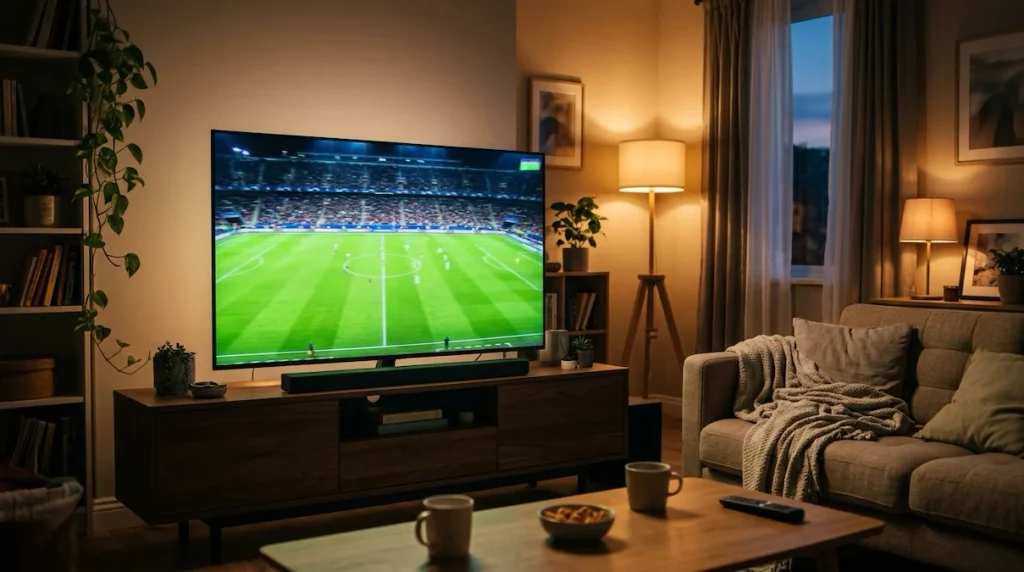
To follow the IPTV Premier League in the UK, you first need access to the channels that hold the rights, then a player to bring them together. Live top-flight football is carried by Premier League broadcast partners Sky Sports and TNT Sports, and an IPTV player simply gives you one clean place to watch them, with a programme guide and 4K where your service offers it.
Premier League TV Rights in 2026
Under the current UK deal, live matches are split between two broadcasters, with Sky Sports showing the large majority and TNT Sports carrying the rest. Here is the rough picture:
| Broadcaster | Share of live matches | How to watch |
|---|---|---|
| Sky Sports | Majority of live games | Sky, or NOW streaming |
| TNT Sports | Smaller share of games | TNT, or discovery+ |
| Saturday 3pm | Not broadcast live in the UK | Highlights only |
Because the rights are split, many fans want both, which is exactly where an IPTV player helps: it keeps every channel you subscribe to in a single app.
The Saturday 3pm Blackout
One UK quirk catches new viewers out: matches that kick off at 3pm on a Saturday are not shown live on any UK broadcaster. This long-standing rule is designed to protect attendance at grounds across the football pyramid. You can still watch highlights later, but there is no legitimate live UK broadcast of a 3pm Saturday fixture.
Watching IPTV Premier League in 4K
Selected Premier League matches are produced in 4K, and Sky offers UHD coverage through its Sky Q, Sky Stream and Sky Glass services. Not every game is in 4K, and you will need a 4K-capable television and a fast connection to enjoy it. For a wider look at football in ultra-high definition, see our guide to IPTV football in 4K.
Using an IPTV Player for the Premier League
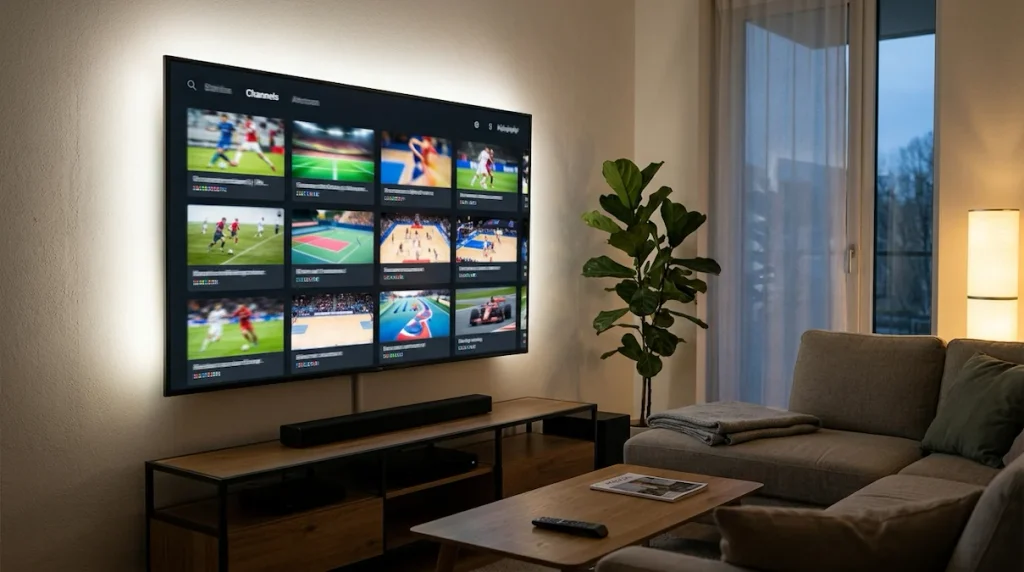
An IPTV player does not provide the Premier League itself. Instead, it loads the channels from a playlist you supply and organises them neatly, with a TV guide so you can see what is on. Popular players include TiviMate on Firestick and Android TV, and Smarters Player Lite on phones and tablets.
- One app for every channel you subscribe to, rather than switching between services.
- A combined TV guide so you can plan your match day.
- 4K playback where your service and device support it.
What You Need to Watch
- Access to the channels that hold the rights, through your chosen service.
- A stable connection; around 25 Mbps is comfortable for 4K. Check your line with Ofcom’s broadband guidance.
- A compatible device such as a Firestick, Smart TV or Android box.
- An IPTV player to bring it all together, plus your playlist details.
IPTV Premier League Setup: Getting Started
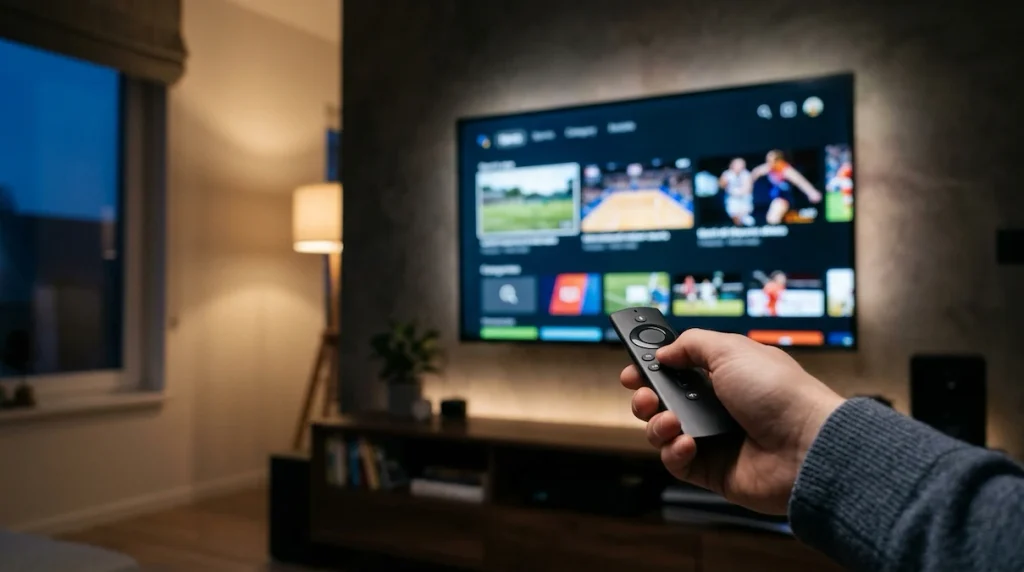
Getting ready for the IPTV Premier League season takes only a few minutes once you have your details:
- Install an IPTV player on your device. Our IPTV on Firestick guide is a good start.
- Add your playlist using an M3U link or Xtream Codes details.
- Add an EPG so the guide shows upcoming fixtures.
- Find the sports channels and set your favourites for quick access on match day.
If you are still choosing a service, an IPTV free trial lets you test the picture quality on your own connection first.
Choosing an IPTV Subscription to Watch EPL Football
EPL is simply the short name for the English Premier League, and many fans search for an “IPTV subscription” when they really want one thing: every available match in one reliable app. Before you pay for any service, check these points:
- The right channels, from a licensed source: live EPL football in the UK is on Sky Sports and TNT Sports, so make sure the service carries them through a legitimate licence.
- Stability at kick-off: the real test is a busy Saturday 5:30pm or Sunday 4:30pm match, when everyone is streaming at once.
- 4K where it matters: look for UHD channels if you have a 4K TV and at least 25 Mbps.
- A working TV guide (EPG): so you can find each EPL match quickly.
- A trial before you commit: test it during a live match, not on a quiet weekday.
Our IPTV free trial guide gives you a simple 24-hour plan for testing any service on a real match day, so you only pay for an IPTV subscription that actually holds up when the EPL is on.
Tips for a Smooth IPTV Premier League Match Day

A few habits make big-match nights far more reliable:
- Use a wired Ethernet connection, or strong 5 GHz Wi-Fi, for 4K.
- Set your sports channels as favourites so you reach them in seconds.
- Load the TV guide in advance so you can see kick-off times at a glance.
- Restart your device and app before a big game to clear its memory.
- Avoid large downloads on the same connection during the match.
Small steps like these keep your match night free of buffering when it matters most, especially during a packed weekend of fixtures.
Can You Watch the Premier League for Free?
There is no legitimate way to watch live Premier League matches for free in the UK, because the rights are held by paid broadcasters. Free-to-air channels show highlights, such as Match of the Day, and some cup competitions appear on free television, but live league games require a subscription to Sky Sports or TNT Sports. Be cautious of any service that promises free live Premier League, as these are usually unlicensed and can disappear without warning.
Enjoy fight nights too? Our IPTV boxing UK guide explains how to watch the big UK boxing events.
If cricket is your other sport, see our IPTV cricket UK guide for match-day setup tips.
Weighing up the cost of Sky Sports? Our IPTV vs Sky comparison breaks down prices, contracts and sport coverage side by side.
Not sure how IPTV works yet? Our IPTV UK guide covers the basics, the costs and the devices you need.
Test it on a real match day. StreamoPro offers a free 24-hour trial, so you can check the picture quality during a live Premier League game before you pay anything. Get your free 24h trial on WhatsApp.
Frequently Asked Questions
Who shows the Premier League in the UK?
Live UK rights are held by Sky Sports and TNT Sports, with Sky showing the majority of matches. You can watch through Sky, NOW, TNT or discovery+.
Can I watch IPTV Premier League in 4K?
Selected matches are produced in 4K and shown through Sky’s UHD services. You need a 4K television and a fast, stable connection to enjoy it.
Why are 3pm Saturday matches not on TV?
The UK blackout rule stops live broadcasts of 3pm Saturday kick-offs to protect match attendance. Only highlights are available for those games.
Do I need a special device?
No. A Firestick, Smart TV, Android box or even a phone works. For 4K you simply need a 4K-capable screen and enough broadband speed.
Does an IPTV player include the Premier League?
No. A player is just the app. It organises the channels from a playlist you provide, so you still need access to the broadcasters that hold the rights.
What do I need to watch EPL football with an IPTV subscription?
You need a service that legally carries Sky Sports and TNT Sports, a compatible device such as a Fire TV Stick or smart TV, an IPTV player app, and a stable connection of at least 8 Mbps for Full HD or 25 Mbps for 4K. Test it during a live EPL match before you commit.
Conclusion
Following the IPTV Premier League way keeps every match you can watch in one tidy app, with a proper guide and 4K where it is available. Remember the 3pm blackout, get access to Sky Sports and TNT Sports through your service, and pair a good IPTV player with a reliable connection. Do that, and you are set for the whole season.
Leave a Reply