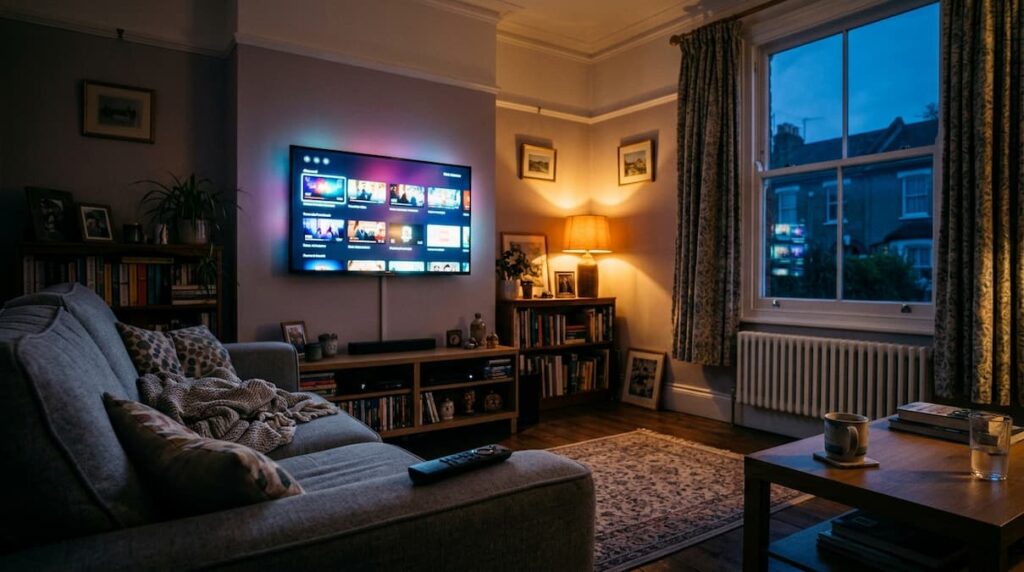
In short: IPTV UK means watching television over the internet instead of through an aerial, satellite dish or cable. It gives you live channels, films and sports on devices like a Firestick, Android box or smart TV, usually for far less than traditional telly. The technology itself is perfectly legal — what matters is choosing a reputable provider. This complete 2027 guide explains what IPTV is, whether it is legal in the UK, what it costs, and how to get set up in minutes.
If you have been hearing about IPTV UK but are not sure where to start, you are in the right place. Millions of people across Britain have swapped expensive TV packages for internet streaming, and it is easier than ever to join them. Below we break down everything a beginner needs to know, from how IPTV works to the best devices and how to pick a provider you can trust.
Key takeaways
- IPTV UK delivers live TV, films and sports over the internet, not an aerial or dish.
- The technology is legal — the key is using a properly licensed, reputable provider.
- It works on a Firestick, Android box, smart TV, phone or Apple TV.
- IPTV is usually far cheaper than Sky, Virgin or BT TV.
- You only need a decent internet connection and an IPTV player app to get started.
What is IPTV, and how does it work?
IPTV stands for Internet Protocol Television. Instead of receiving a signal through an aerial, satellite or cable, your TV content is streamed to you over your home broadband. It is the same basic idea behind services most people already use every day, just applied to live channels and large on-demand libraries.
To watch IPTV UK content, you use an app called an IPTV player, which loads a playlist of channels from your provider. That playlist arrives as an M3U link or an Xtream Codes login. Once it is loaded, you get a familiar on-screen TV guide, and you simply scroll and click to watch. Because everything travels over the internet, you can watch on almost any device, anywhere in the house.
What can you actually watch? A good service typically covers live UK channels, major sports including football and boxing, films, box sets and catch-up TV, often in full HD or 4K. Because there is no aerial or dish involved, you can set it up in a flat, a caravan or a holiday home just as easily as in a house — all you need is broadband.
Is IPTV legal in the UK?
This is the question most people ask, and the honest answer is that the technology behind IPTV is completely legal. IPTV is simply a method of delivering television over the internet, and many mainstream broadcasters use it themselves. What determines legality is the content and the licensing behind it.
Streaming channels and programmes that a provider is properly licensed to distribute is legal. Accessing premium content that has not been licensed — for example, cut-price access to every pay-TV channel going — is not. The sensible approach is to choose a transparent, reputable IPTV UK provider and to be wary of anything that looks far too cheap to be legitimate. For background on copyright online, the UK government’s guidance on online copyright is a useful read.
What you need to watch IPTV UK
Getting started with IPTV UK is refreshingly simple. You only need a few things in place:
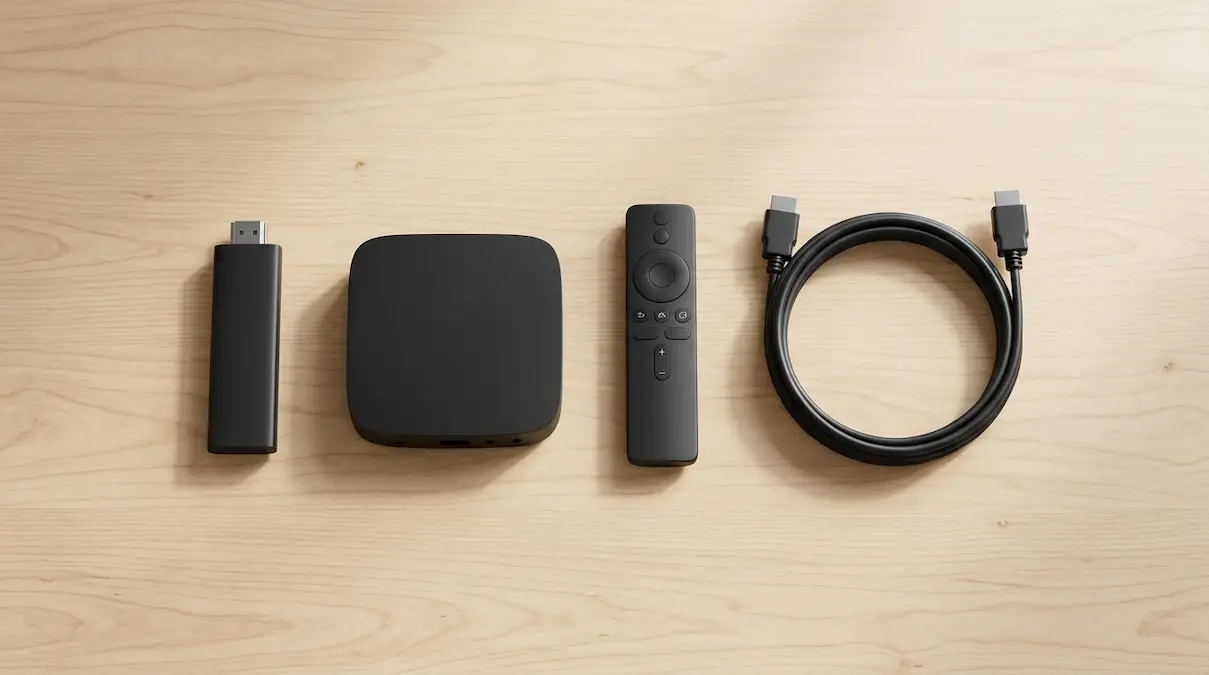
- A stable internet connection — around 25 Mbps is plenty for smooth HD, more for 4K.
- A compatible device — an Amazon Fire TV Stick, Android TV box, smart TV, Apple TV, phone or tablet.
- An IPTV player app such as TiviMate, IPTV Smarters Pro or OTT Navigator.
- A subscription from a provider, which gives you an M3U link or Xtream Codes login.
The Fire TV Stick is by far the most popular choice because it is cheap, plugs into any TV and runs every major player. Our Fire TV Stick setup guide walks through it step by step.
How to get started with IPTV UK
Once you have your device and subscription, setting up IPTV UK takes only a few minutes. Here is the full process:

- Install an IPTV player app from your device’s app store.
- Open the app and choose to add a playlist.
- Enter your M3U URL or Xtream Codes login from your provider.
- Let the app load your channels and the TV guide.
- Start watching — your live channels, films and sports appear on the big screen.
That really is all there is to it. If you are choosing an app, our round-up of the best IPTV player for UK users compares the top options so you can pick the right one first time.
How much does IPTV cost in the UK?
Cost is one of the biggest reasons people switch. Traditional packages from Sky, Virgin Media or BT can run to £50–£100 a month once you add sports and films. A good IPTV subscription typically costs a small fraction of that, often just a few pounds a month, for a far larger selection of channels.
Prices do vary, and you tend to get what you pay for. Extremely cheap deals can mean unstable servers and constant buffering, while a reputable provider invests in reliable infrastructure. The best value comes from a service that balances a fair price with stable, high-quality streams.
Do you need a VPN for IPTV?
A VPN is not essential, but many people use one for privacy and to avoid their internet provider throttling streaming traffic. A VPN encrypts your connection, which can keep your streams smooth if your ISP slows down video. If you decide to use one, our guide to the best VPN for IPTV covers the fastest, most reliable options.
For most households on a decent connection, IPTV works perfectly well without a VPN. It is a personal choice rather than a requirement, so weigh up whether the extra privacy is worth it for you.
How to choose the best IPTV UK provider
With so many services around, picking a good IPTV UK provider is the most important decision you will make. Look for these signs of a quality service:
- A free trial so you can test stability before you commit.
- Strong UK channel coverage — the channels and sports you actually watch.
- Stable servers with minimal buffering, even at peak times.
- Responsive support if something goes wrong.
- Honest, transparent pricing rather than deals that seem too good to be true.
If you want a service that ticks all of those boxes, you can explore our IPTV plans and even start with a free test to see the quality for yourself.
IPTV UK devices compared
Here is how the most popular devices for IPTV UK stack up, so you can choose the right one for your living room:
| Device | Ease | Best for | Price |
|---|---|---|---|
| Fire TV Stick | Very easy | Most people | Low |
| Android TV box | Easy | Power users | Medium |
| Apple TV | Easy | Premium feel | High |
| Smart TV | Medium | No extra kit | Owned already |
| Phone / tablet | Very easy | On the go | Owned already |
Tips for the best IPTV UK experience
- Use a wired connection where you can — Ethernet beats Wi-Fi for stability.
- Pick a quality player like TiviMate or IPTV Smarters Pro for a smooth guide.
- Test with a free trial before paying for a long subscription.
- Keep your apps updated for the latest performance fixes.
- If the picture stutters, our guide to fixing IPTV buffering has a full checklist.
Choosing a device? Read our guides to IPTV on Apple TV and IPTV on Roku.
Related guide: ready to compare services? Read our guide to the best IPTV UK providers and what to check before you pay.
Next step: see how plans and prices work in our IPTV subscription UK guide.
Want to try it yourself? StreamoPro offers a free 24-hour trial, so you can test the channels and picture quality on your own TV before you pay anything. Get your free 24h trial on WhatsApp.
Frequently asked questions
What is IPTV UK?
IPTV UK is a way of watching television over the internet rather than through an aerial, satellite dish or cable. You stream live channels, films and sports to a device such as a Firestick or smart TV using an IPTV player app.
Is IPTV legal in the UK?
The IPTV technology itself is legal, and many broadcasters use it. What matters is licensing: watching properly licensed content is fine, while accessing unlicensed premium channels is not. Always choose a reputable, transparent provider.
How much does IPTV cost in the UK?
A good IPTV subscription usually costs just a few pounds a month — far less than Sky, Virgin or BT. Prices vary, so balance a fair price against stable servers and strong UK channel coverage.
Do I need a VPN for IPTV?
No, a VPN is not required. Some people use one for privacy or to stop their ISP throttling streams, but on a decent connection IPTV works well without one. It is a personal choice.
Final verdict
IPTV UK is the simplest, most affordable way to watch live TV, films and sport in Britain in 2027. The technology is legal, the setup takes minutes, and it runs on devices you probably already own. The one thing that truly matters is choosing a reliable, reputable provider — get that right, test it with a free trial, and you can enjoy a huge range of channels for a fraction of the cost of traditional telly.
Leave a Reply