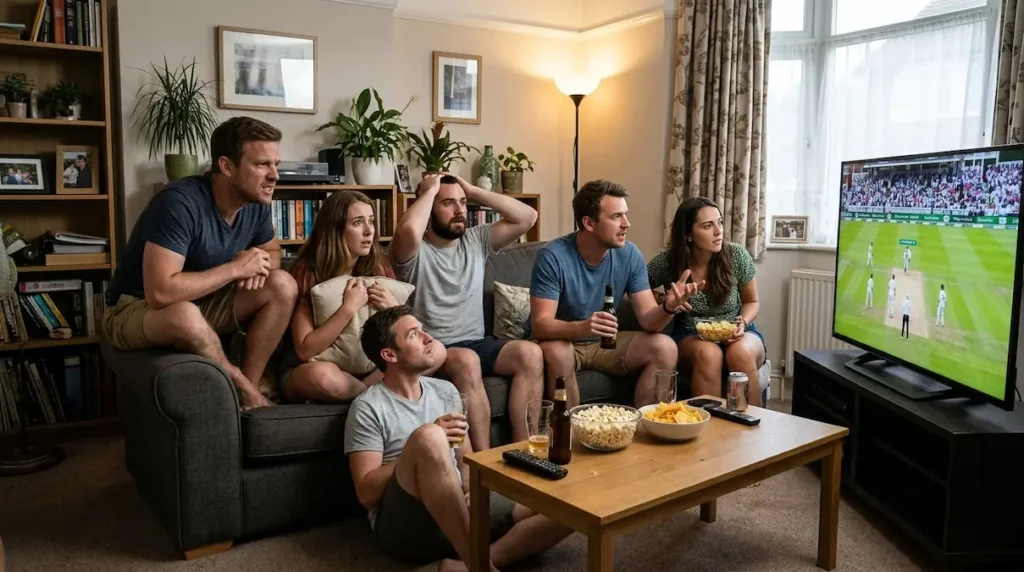
Following IPTV cricket UK fans love means getting every session onto one screen, in the best quality your service allows. This guide explains who shows cricket in the UK in 2026, how to catch the Ashes and the home summer, and how an IPTV player fits into your setup so you never miss a wicket.
We will cover the broadcasters, watching in 4K, the devices you need, and the simple steps to get set up before the first ball.
In short: UK cricket is split across broadcasters. Sky Sports shows England’s home summer, while the away Ashes series was carried by TNT Sports and discovery+. The BBC provides radio and highlights. An IPTV player brings your channels together in one app, with a guide and 4K where your service offers it. You need your own subscription.
Key Takeaways
- Sky Sports holds England’s home international cricket under a deal running to 2028.
- The away Ashes series was shown by TNT Sports and on discovery+.
- The BBC offers radio commentary and highlights rather than live TV coverage.
- An IPTV player organises your channels and guide in one tidy app.
- A stable connection and a 4K device give the sharpest picture.
Table of Contents
- How to Watch IPTV Cricket UK in 2026
- UK Cricket TV Rights in 2026
- Watching the Ashes on IPTV
- Watching IPTV Cricket UK in 4K
- Using an IPTV Player for Cricket
- Best Devices for IPTV Cricket UK
- IPTV Cricket UK Setup
- Frequently Asked Questions
How to Watch IPTV Cricket UK in 2026
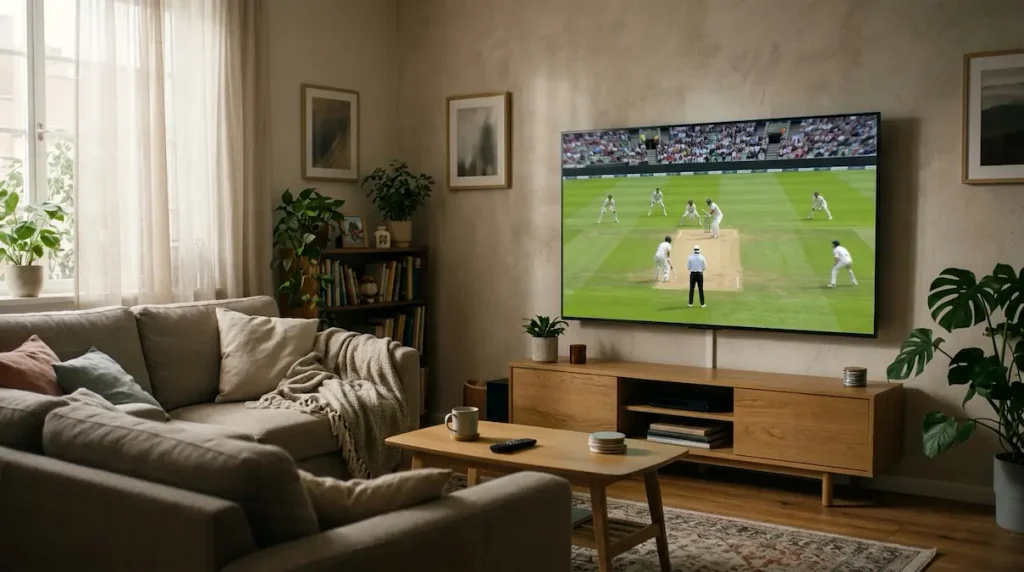
To follow IPTV cricket UK coverage, you first need access to the channels that hold the rights, then a player to bring them together. England’s home matches sit with Sky Sports, while the overseas Ashes was carried by TNT Sports. The England and Wales Cricket Board confirms the home broadcast partners each season, and an IPTV player simply gives you one clean place to watch, with a programme guide and 4K where your service supports it.
UK Cricket TV Rights in 2026
Cricket rights are spread across more broadcasters than most sports, which is exactly why a single app helps. Here is the rough picture:
| Competition | UK broadcaster | How to watch |
|---|---|---|
| England home internationals | Sky Sports | Sky or NOW |
| The Ashes (away) | TNT Sports | TNT or discovery+ |
| Highlights and radio | BBC | BBC iPlayer, Sounds and Radio |
Because the rights are split by competition, many fans want more than one service, which is where an IPTV player keeps everything together on fight day or a Test morning.
Watching the Ashes on IPTV
The away Ashes series was shown exclusively by TNT Sports in the UK, with every ball also available on the discovery+ app. If you are following a tour in Australia, remember the time difference means early starts, so the ability to jump straight to the channel from your guide is a real bonus. For football fans who also use TNT, our guide to the IPTV Champions League covers the same broadcaster.
Watching IPTV Cricket UK in 4K
Some cricket is produced in high definition, and selected coverage in 4K, which suits the long, detailed sessions of a Test match. To enjoy IPTV cricket UK in the best quality, you need a service that offers 4K, a 4K-capable television, and a fast, stable connection. For a wider look at ultra-high-definition sport, see our guide to sport in 4K, which covers the same picture-quality basics.
Using an IPTV Player for Cricket

An IPTV player does not provide cricket itself. It loads the channels from a playlist you supply and organises them, with a TV guide so you can plan your viewing around play. That means one app for every channel you subscribe to, rather than switching between services mid-session. To choose the right app for your device, our best IPTV player guide compares the top options.
- One tidy app for all your channels, with a combined guide.
- 4K playback where your service and device support it.
- Favourites, so you can jump straight to the cricket at the first ball.
Best Devices for IPTV Cricket UK
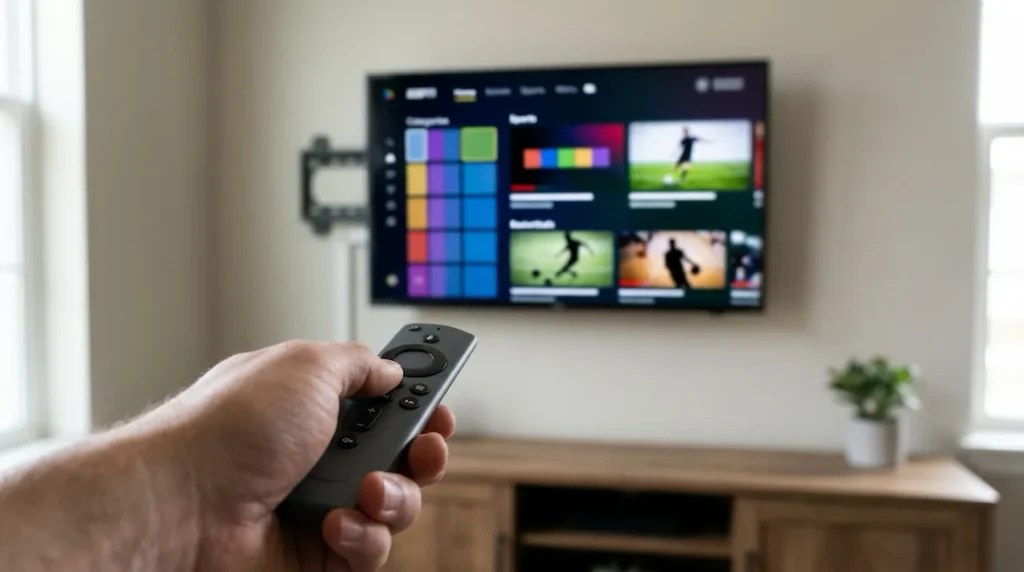
For IPTV cricket UK in 4K, your device matters as much as your subscription. An Amazon Firestick 4K or a recent Smart TV handles high-bitrate streams smoothly through a long day of play, while older boxes can struggle. A wired connection is ideal for an all-day Test, and our Fire TV Stick setup guide shows how to get a player running on Amazon’s device.
| Device | Best for |
|---|---|
| Firestick 4K | Easy setup on any TV |
| Smart TV | Native apps, no extra box |
| Android TV box | Power users and customisation |
IPTV Cricket UK Setup: Getting Started
Getting ready for a big series takes only a few minutes once you have your details:
- Install an IPTV player on your device, such as a Firestick or Smart TV.
- Add your playlist using an M3U link or Xtream Codes details.
- Add an EPG so the guide shows start times for each day’s play.
- Set the sports channels as favourites for quick access at the first ball.
If you are still choosing a service, an IPTV free trial lets you test the picture quality on your own connection before a big series.
What You Need to Watch
- Access to the channel showing the cricket, through your chosen service.
- A stable connection; around 25 Mbps is comfortable for 4K. Check your line with Ofcom’s broadband guidance.
- A compatible device such as a Firestick, Smart TV or Android box.
- An IPTV player to bring it all together, plus your playlist details.
With those in place, following a full day of IPTV cricket UK coverage becomes effortless, from the morning session right through to the close of play.
Why Use an IPTV Player for Cricket?
Cricket’s split rights make it one of the sports that benefit most from a single app. With a player, you avoid hopping between Sky, TNT and catch-up services, and you keep one familiar guide across every competition. Add in favourites and a proper EPG, and following IPTV cricket UK across a packed home summer, an overseas tour and a white-ball series becomes far less fiddly.
For many supporters, that convenience is the main reason to set one up. Rather than remembering which service carries which match, you open one app, check the guide, and settle in for the day’s play.
Tips for a Smooth Cricket Day

Test cricket runs for hours, so a stable setup matters even more than it does for a quick match:
- Use a wired Ethernet connection, or strong 5 GHz Wi-Fi, for 4K.
- Load the guide early so you can follow each session and the lunch and tea breaks.
- Set your cricket channels as favourites for quick access.
- Restart your device and app before play begins to clear its memory.
- Avoid large downloads on the same connection during the day.
These small habits keep a long day of IPTV cricket UK smooth, from the first ball of the morning right through to stumps.
Test it during a real cricket match. StreamoPro offers a free 24-hour trial, so you can check the picture quality live before you pay anything. Get your free 24h trial on WhatsApp.
Frequently Asked Questions
Where can I watch cricket in the UK in 2026?
England’s home internationals are on Sky Sports, while the away Ashes series was on TNT Sports and discovery+. The BBC provides radio commentary and highlights.
Is IPTV cricket UK available in 4K?
Selected coverage is produced in 4K. To enjoy it, you need a service that offers 4K, a 4K-capable television and a fast, stable connection.
Can I watch cricket for free in the UK?
Live Test and international cricket generally requires a paid service. The BBC offers free radio commentary and highlights, but live TV coverage sits with Sky or TNT.
Do I need a special device?
No. A Firestick, Smart TV or Android box all work well. For 4K you simply need a 4K-capable screen and enough broadband speed.
Does an IPTV player include cricket?
No. A player is just the app. It organises the channels from a playlist you provide, so you still need access to the broadcaster that holds the rights.
Conclusion
Following IPTV cricket UK is simple once you know the landscape: England’s home summer is on Sky Sports, the away Ashes was on TNT Sports, and an IPTV player keeps everything in one place. Get access to the right broadcaster, pair a good player with a reliable connection and a 4K screen, and you are ready for every session of the season.
Leave a Reply