

Key Takeaways
- Sky Sports holds the live UK rights to Formula 1, so a legitimate subscription is the safest rte to every session.
- IPTV simply means TV delivered over the internet. Legal IPTV services include Sky Stream, Sky Glass and NOW.
- For smooth 4K you need around 25 Mbps of stable broadband per screen.
- Unlicensed streams break copyright law and often buffer, freeze or expose your data.
- A wired connection and a decent 4K TV matter more than any other upgrade.
Introduction
If you want to follow IPTV F1 UK 2026 properly, you need three things: the right broadcaster, a fast connection and a screen that does the racing justice. The 2026 season brings new technical regulations and a bigger grid, so there is more reason than ever to watch every lap live.
This guide explains who shows Formula 1 in the UK, how IPTV fits in, and how to get a sharp 4K picture at home. It also covers the risks of unlicensed services, so you do not end up with a frozen screen on lap 50.
Table of Contents
- What IPTV F1 UK 2026 Means for F1 Fans
- F1 UK TV Rights 2026: Who Shows What
- How to Watch IPTV F1 UK 2026 Live in 4K
- Sky Sports F1 4K: What You Get
- How to Set Up IPTV F1 UK 2026 at Home
- Internet Speed and Equipment Checklist
- The Risks of Unlicensed IPTV
- Tips for Watching IPTV F1 UK 2026
- FAQ
- Conclusion
What IPTV F1 UK 2026 Means for F1 Fans
IPTV stands for Internet Protocol Television. Instead of an aerial or satellite dish, the channel reaches you through your broadband connection.
That is not a shady technology. Most major broadcasters now use it. When you stream Sky Sports F1 through Sky Stream or Sky Glass, you are already using licensed IPTV.
The confusion comes from third-party services that sell thousands of channels for a tiny monthly fee. Those are usually unlicensed, and that is where the trouble starts. We cover that later in this guide.
F1 UK TV Rights 2026: Who Shows What
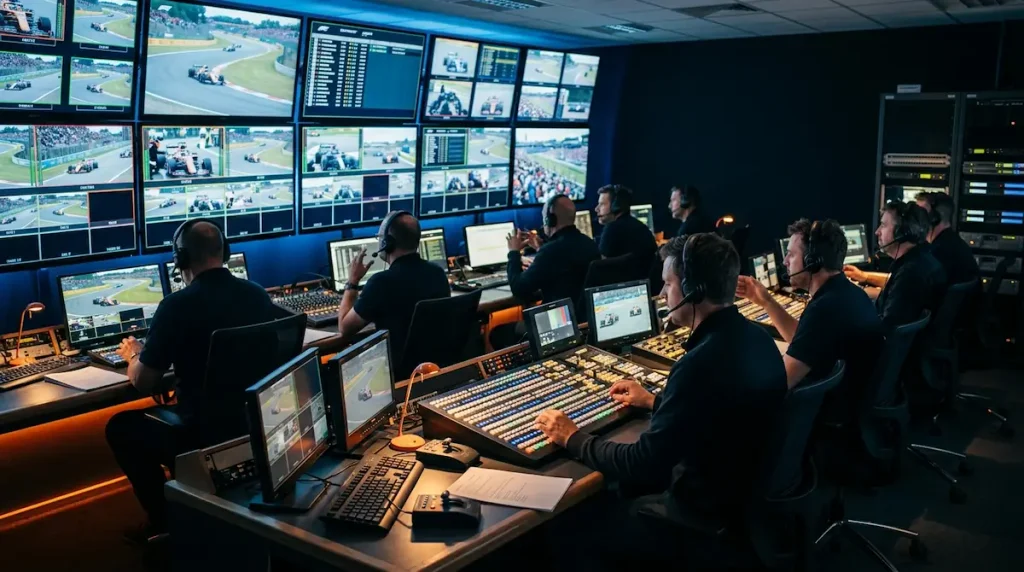
Understanding F1 UK TV rights 2026 saves you time and money. In short, Sky Sports is the home of live Formula 1 in the UK, with every practice, qualifying session, sprint and Grand Prix shown on Sky Sports F1.
Free-to-air coverage is limited. Channel 4 has traditionally shown highlights, and the arrangement can change from season to season. Check the broadcaster’s current schedule before race weekend.
| Option | Live coverage | Best for |
|---|---|---|
| Sky Sports (Sky Glass / Stream / Q) | All sessions | Fans who want everything in the best quality |
| NOW (Sky Sports pass) | All sessions | Flexible, no-contract viewing |
| Free-to-air highlights | Highlights only | Casual viewers |
| F1 TV (official app) | Varies by region | Onboard cameras and extra content |
Rights deals and packages change, so always confirm the details on the official Sky Sports F1 page or Formula1.com before subscribing.
How to Watch IPTV F1 UK 2026 Live in 4K
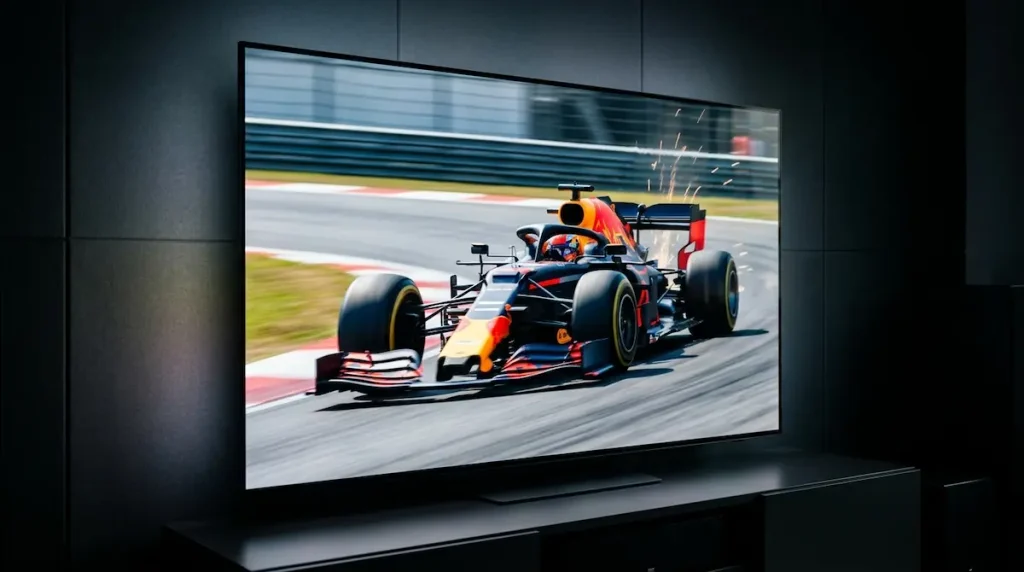
Want to watch F1 live in 4K? You need the whole chain to support it: the broadcast, the device and the screen.
Here is what to check:
- A 4K-capable subscription. Not every package includes Ultra HD sports, so confirm it before paying.
- A 4K TV with HDR. Formula 1 looks stunning with deep colours and bright highlights.
- A compatible device. Sky Glass and Sky Stream handle this natively. Other streaming boxes need to support 4K and the right apps.
- A fast, stable connection. Aim for 25 Mbps or more per 4K stream.
Resolution is not the whole story. A 4K stream with heavy compression can look worse than a clean 1080p one, so bitrate and a reliable connection count as much as the pixel count.
Sky Sports F1 4K: What You Get
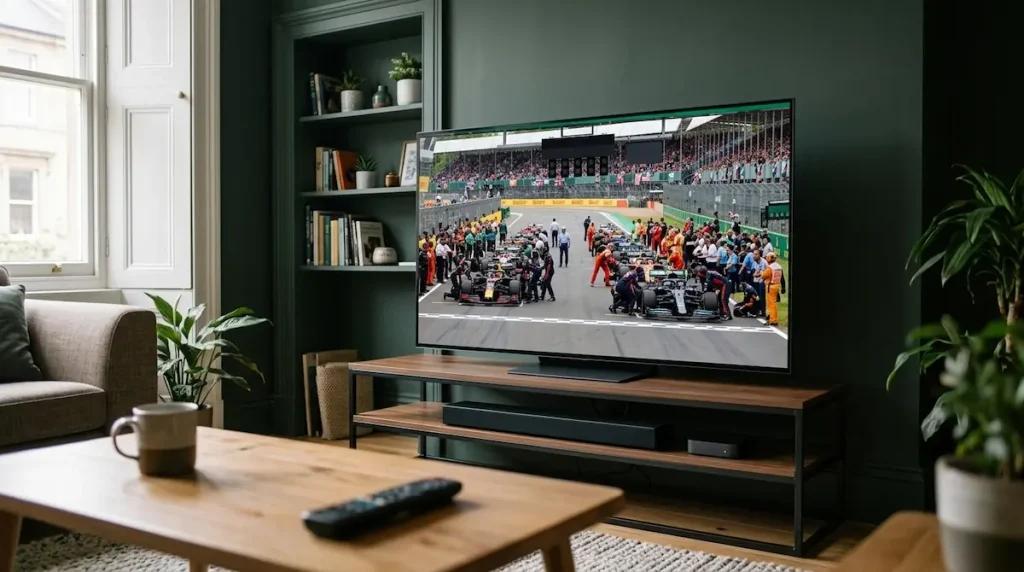
Sky Sports F1 4K coverage is the benchmark for UK fans. Sky has offered selected Formula 1 coverage in Ultra HD on its premium platforms, along with the dedicated Sky Sports F1 channel, expert pundits and full weekend schedules.
The main advantages are:
- Every session live, from Friday practice to the chequered flag
- Studio analysis, race replays and the Notebook segments
- Dolby audio on supported equipment
- Reliable delivery, with no random buffering mid-race
The downside is cost. A full Sky Sports package is not cheap, but NOW passes let you pay monthly and cancel when the season ends. Check which resolution your chosen plan supports, as 4K is not always included in the cheapest options.
How to Set Up IPTV F1 UK 2026 at Home
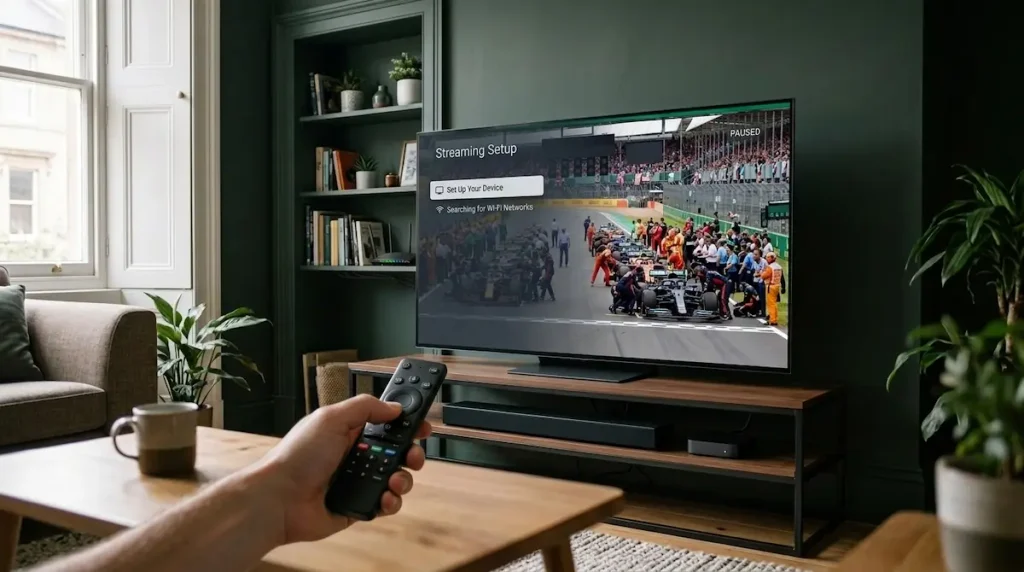
Setting up IPTV F1 UK 2026 is simpler than it sounds. Follow these steps:
- Choose a legitimate provider. Pick Sky Stream, Sky Glass or a NOW Sports pass.
- Connect your device. Plug the box or stick into an HDMI port that supports 4K.
- Use Ethernet if possible. A cable beats Wi-Fi for stability.
- Sign in and update. Install the latest app version and system updates.
- Set the picture mode. Switch to a “Sport” or “Cinema” preset and enable HDR if available.
- Test before race day. Play a previous race for a few minutes to check for buffering.
If you use Wi-Fi, place the router in the same room or use a mesh system. Walls and distance are the usual causes of lag.
Internet Speed and Equipment Checklist
Before the next Grand Prix, run through this list:
- Speed: 25 Mbps minimum for one 4K stream, more if others are online
- Connection: Ethernet or strong 5GHz Wi-Fi
- TV: 4K panel with HDR10 support
- HDMI: High-speed cable, ideally HDMI 2.0 or higher
- Router: Reasonably modern, restarted before the race
Busy evenings can slow your broadband. If the family is streaming on three other devices, your race may suffer. Pausing other downloads during a session helps.
The Risks of Unlicensed IPTV
Cheap “all channels” services promising IPTV F1 UK 2026 for pennies look tempting. They come with real problems.
- It is illegal. Streaming copyrighted sport without a licence infringes copyright. Anti-piracy bodies such as FACT actively work against illegal streaming.
- Poor reliability. Streams often drop during the biggest moments, because the servers get shut down.
- Security risks. Unknown apps can carry malware or harvest payment details.
- No support. If the service disappears, so does your money.
A legal subscription costs more, but you get a stable picture, proper 4K and no looking over your shoulder.
Tips for Watching IPTV F1 UK 2026
A few small habits make race days far more enjoyable:
- Check the weekend schedule in advance, as UK start times shift with the calendar.
- Add qualifying and sprint sessions to your calendar, not just the Sunday race.
- Use headphones or a soundbar to catch the team radio.
- Keep a second device handy for live timing on the official F1 app.
- Record or replay the race if you cannot watch live, and avoid spoilers on social media.
Best Devices for IPTV F1 UK 2026
Watching IPTV F1 UK 2026 in sharp 4K depends as much on your device as your subscription. An Amazon Firestick 4K or a recent Smart TV handles the high bitrate of a race broadcast smoothly, while older boxes can stutter during fast on-track action. For the clearest picture on a Grand Prix Sunday, choose a device that properly supports 4K and pair it with a stable connection.
Keep the app updated and close background apps before lights out. A little preparation means IPTV F1 UK 2026 runs cleanly from the formation lap to the chequered flag, with no buffering at the worst possible moment.
Into other sports? Our IPTV boxing UK guide covers how to watch the biggest UK fight nights.
Into more than motorsport? Our IPTV cricket UK guide covers how to watch Test, ODI and T20 matches.
Test it during a real F1 race. StreamoPro offers a free 24-hour trial, so you can check the picture quality live before you pay anything. Get your free 24h trial on WhatsApp.
FAQ
1. Is IPTV legal in the UK?
Yes, IPTV as a technology is legal. Licensed services such as Sky Stream, Sky Glass and NOW are IPTV. Services that stream copyrighted channels without permission are not.
2. Who has the F1 UK TV rights in 2026?
Sky Sports has the live rights for every session. Free-to-air coverage is limited to highlights, so check the latest schedule.
3. Can I watch F1 live in 4K in the UK?
Yes, on supported Sky platforms with a 4K TV and a stable connection. Always confirm the Ultra HD details of your plan before subscribing.
4. What internet speed do I need for 4K F1?
Around 25 Mbps per stream is a safe target. A wired connection helps avoid buffering.
5. Can I watch Sky Sports F1 without a contract?
Yes, through a NOW Sports pass, which you can buy by the day, week or month and cancel afterwards.
6. Why does my F1 stream keep buffering?
The usual causes are weak Wi-Fi, a slow connection or too many devices online. Switching to Ethernet fixes most cases.
Conclusion
Following IPTV F1 UK 2026 comes down to choosing a reliable, licensed source, a solid connection and a good screen. Sky Sports remains the home of live Formula 1 in the UK, and the right setup brings the 4K picture to your living room without drama. For more big-race and match nights, see our guides to football in 4K and the Champions League.
Skip the unlicensed shortcuts and invest in a stable setup before the next race. Check your plan, test your connection, and be ready for lights out.
Prefer one simple service for your sport? Explore our IPTV plans and start with a free test.
Leave a Reply